Usage & Installation Guide
Complete instructions on how to set up and use TermWeb to control your machines remotely.
How to Install Web SSH Agent (Prerequisites)
TermWeb requires Node.js (v14+) to run. Here is how to install it:
Linux (RedHat / CentOS / Fedora)
sudo dnf install nodejsOr for older systems: sudo yum install nodejs
Linux (Debian / Ubuntu)
sudo apt update && sudo apt install nodejs npmWindows
Open PowerShell and run:
winget install OpenJS.NodeJSOr download the installer from nodejs.org.
Tutorial: Access Linux/Windows Terminal from Browser
-
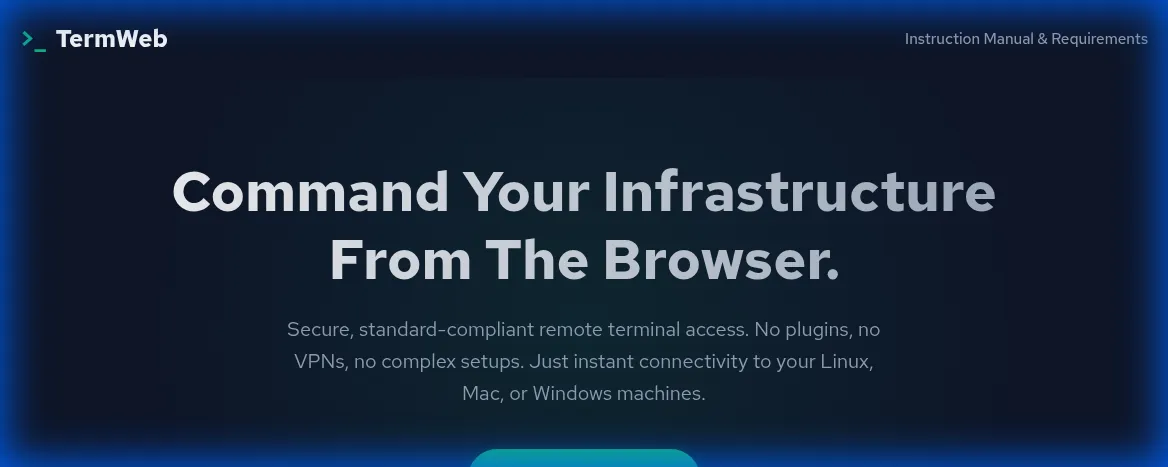
Start a Session: Go to the Homepage and click "Start Free Session".
Required IDs are generated automatically securely.
-
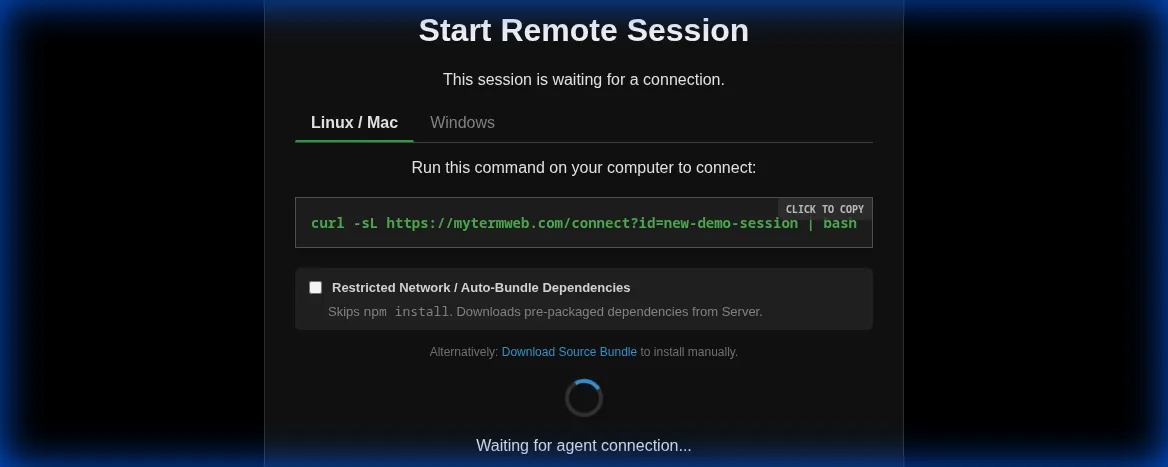
Get the Command: You will be redirected to the "Connection Screen". Select your OS
(Linux/Mac or Windows).
Copy the unique command shown in the box.
-
Run on Your Machine: Paste the command into your local terminal (Terminal.app,
Bash, or PowerShell) and press Enter.
Note: This connects your machine to the browser session. - Wait for Connection: The script will download the agent, install dependencies (if needed), and connect. Check the browser window—it should say "Connected".
-
Control Remotely: Once connected, the browser becomes your terminal. You can access
and control this session from any browser on any device simply by using the unique
Session URL.
Example:https://mytermweb.com/app.html?id=web-agent-1768741388-433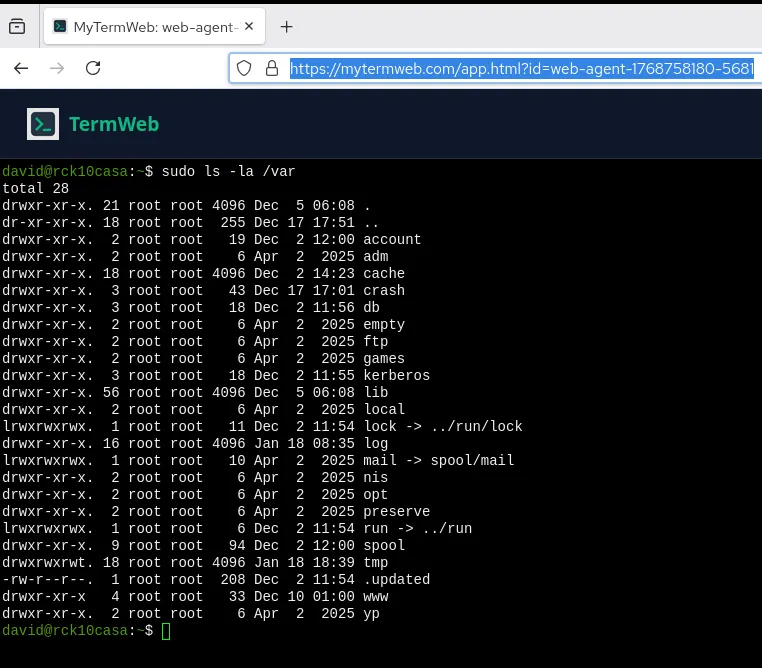
✅ Also fully compatible with Windows (PowerShell & CMD).
Reference: Connection Commands
1. Linux & macOS
Open your terminal and run the command generated by the Web UI. It usually looks like this:
curl -sL https://mytermweb.com/connect?id=YOUR_ID | bash- The script will create a hidden directory
~/.termweb-agent. - It will ensure
nodeis available. - It will download the agent code and connect securely via WSS (WebSocket Secure).
2. Windows
Open PowerShell (Administrator rights not usually required) and run:
powershell -Command "irm https://mytermweb.com/connect-win?id=YOUR_ID | iex"- Requires PowerShell 5+ (Standard on Windows 10/11).
- Recommended: Use Windows Terminal for the best color and font support.
Security Architecture: Reverse Shell over WSS
TermWeb is designed with security and privacy as core tenets. Here is how it works under the hood:
1. Data Flow
The communication follows a strict path:
Browser (User) <==[WSS/TLS]==> Relay Server <==[WSS/TLS]==> Agent (Your Machine)- No Peer-to-Peer Risks: The connection is brokered by the Relay Server, meaning you do not need to open any ports on your machine.
- Strict Isolation: Each session has a unique, cryptographically random ID.
2. Zero-Persistence Policy
The Relay Server acts purely as a pipe. It buffers the last 50 KB (approx. 500-1000 lines of text) of output in RAM to ensure the terminal screen repaints correctly if you refresh the page.
- No Database of Commands: We do not store your command history, file contents, or keystrokes in any database.
- No Disk Logging: Operational logs track connectivity events (connect/disconnect) but never payload data.
- Ephemeral: All buffer data is wiped immediately upon server restart or process termination. Stale sessions (disconnected > 24h) are automatically wiped from RAM.
3. Encryption
All traffic is encrypted in transit using industry-standard TLS 1.2+ (HTTPS/WSS). The agent validates the server's identity to prevent Man-in-the-Middle attacks.
Troubleshooting
"Node.js is not installed"
If you see this error, please install Node.js from nodejs.org.
Restricted Networks (No access to NPM Registry)
If your server cannot reach the public NPM registry (npmjs.org), check the "Restricted Network / Auto-Bundle" box on the connection screen.
This will download a larger, pre-packaged bundle from the TermWeb server that includes all necessary
dependencies, skipping the npm install step.